Vancouver
Review issued building permits and available project descriptions.
Qivaro helps construction suppliers, contractors and independent salespeople connect early project research with customer records, quotes and follow-ups. Start with relevant public permit signals, then qualify the opportunity in your own workspace.
A newly issued permit can tell you where to look. It does not establish who is buying, what they need, or when they will order. Qivaro keeps that distinction visible while helping you turn useful research into a dated action.
Choose a supported city and review the available scope, source and issue date. Construction accounts can use public-project discovery.
Save a private source snapshot and create a qualification follow-up. Where a recorded contractor is available, the workflow can connect it to a customer record.
Check the buying contact, material requirements, project stage and timing directly. Record what you learn in the customer timeline.
Create an opportunity, build a quote when requirements are known, and assign yourself a dated follow-up in My Day.
The current construction workflow covers four Lower Mainland cities. Data is refreshed on demand from public sources; coverage and detail depend on what each municipality publishes.
Review issued building permits and available project descriptions.
Review the available public permit records and project details.
Review building-permit signals. Records without detailed scope remain permit reviews; product matches are not inferred.
Review building permits and available scope. Product suggestions still require qualification.
This is not a complete tender database or a guarantee of sales-ready leads. Check source dates, availability and project details before acting.
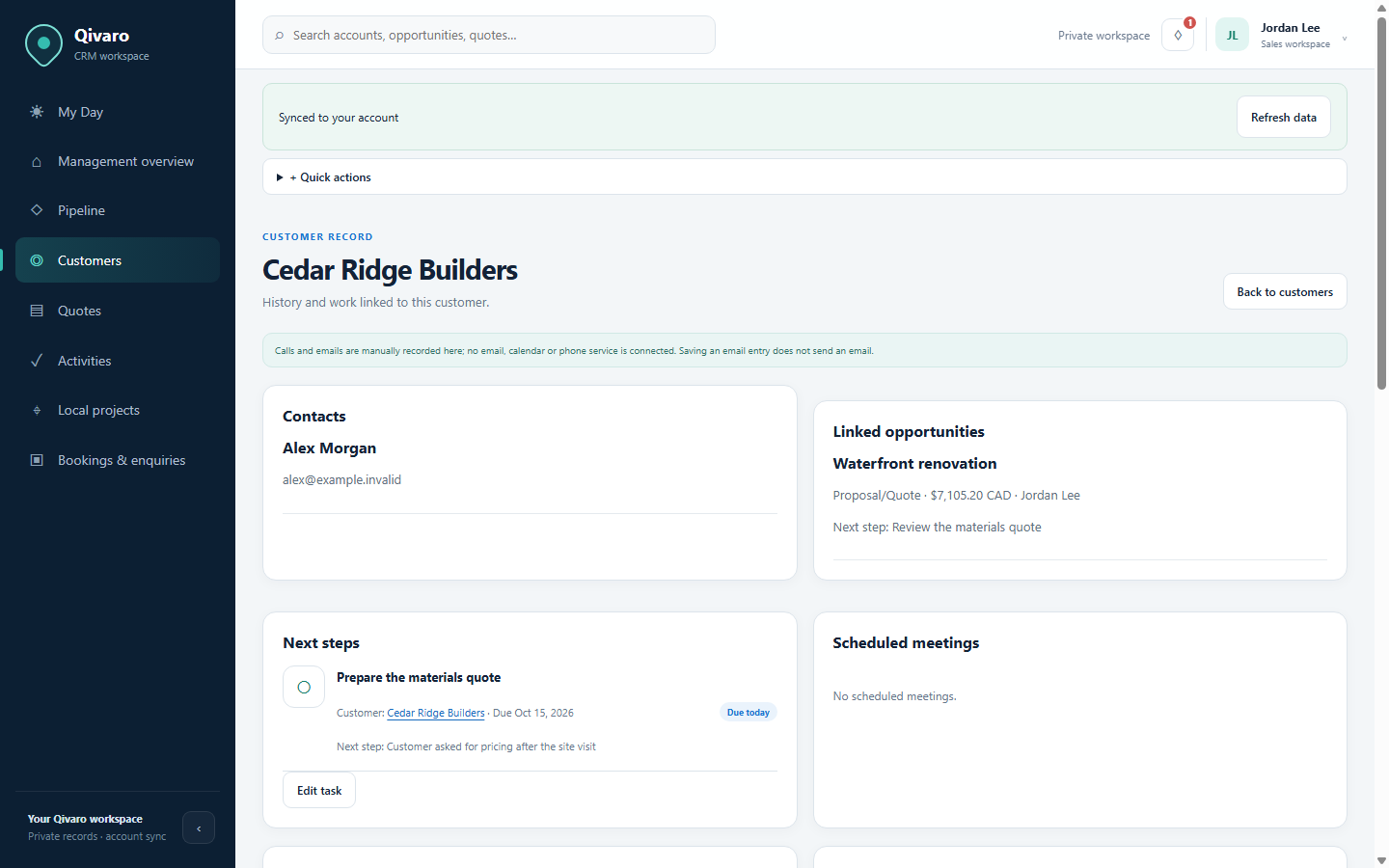
Save customer contacts and manually recorded activities, track an opportunity’s stage and value, and prepare editable quotes. New quotes default to CAD, with explicit tax and delivery charges. When you log a quote presentation, Qivaro creates the linked follow-up.
Qivaro is located in Vancouver, BC. The Qivaro Team can tailor fields, workflows, dashboards and branding at no extra cost within the agreed scope. Each user has one selected business purpose; CRM records remain private to that account.
No. Public-project discovery is for Construction accounts. Other business purposes use private projects entered by the user.
No. Permit signals require buyer, scope and timing checks. Qivaro does not claim that a permit is a confirmed purchasing opportunity.
The current CRM is account-private. Multiple accounts do not create a shared team pipeline. Discuss your collaboration requirements with the Qivaro Team before deciding.
Qivaro focuses on customer relationships, opportunities, quotes and follow-through. It does not currently provide ERP or inventory integrations. Review your specific requirements with us.
Access by invitation. Already invited? Open Qivaro.