See Qivaro.
Follow the customer’s next step.
A 35-second narrated walkthrough of customer context, opportunity tracking, quote review and My Day. The interface uses fictional sample records. Aaron is an AI presenter.
Read the video transcript
Meet Qivaro. Keep your next step clear. Start with My Day, and see the customer work that needs your attention. Keep contacts, opportunities, and next steps together, so every conversation has context. Track each opportunity and keep the next action clear. Build a quote with editable quantities, prices, and discounts. Check the scope and total, then record your decision. Log your quote presentation and create a follow-up task. Bring that next action straight back to My Day. Explore Qivaro at qivaro dot C A. Request access today.
Customer context, quote work and follow-through.
These screenshots come from the product demonstration. Names, records, prices and tax amounts are illustrative.
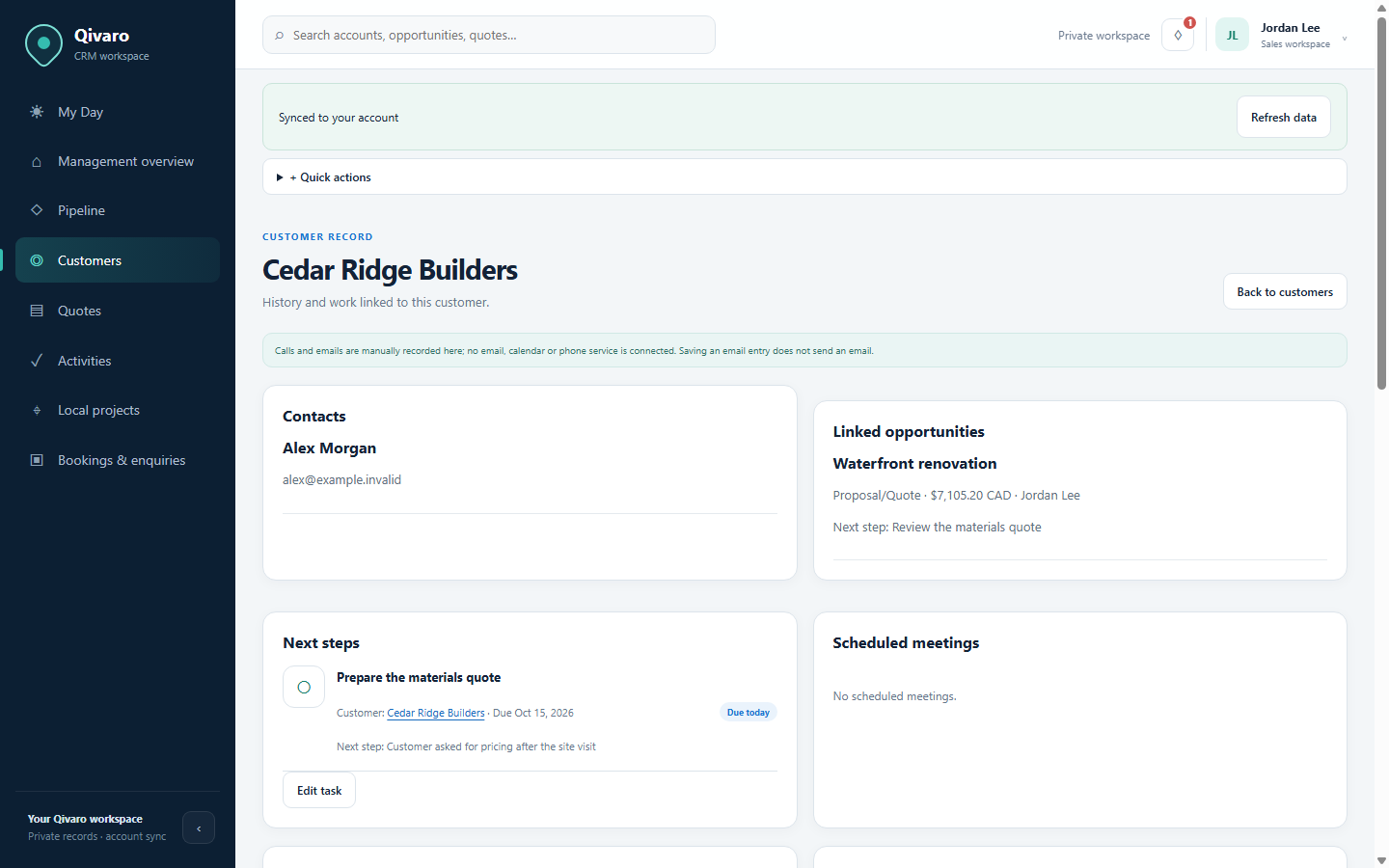
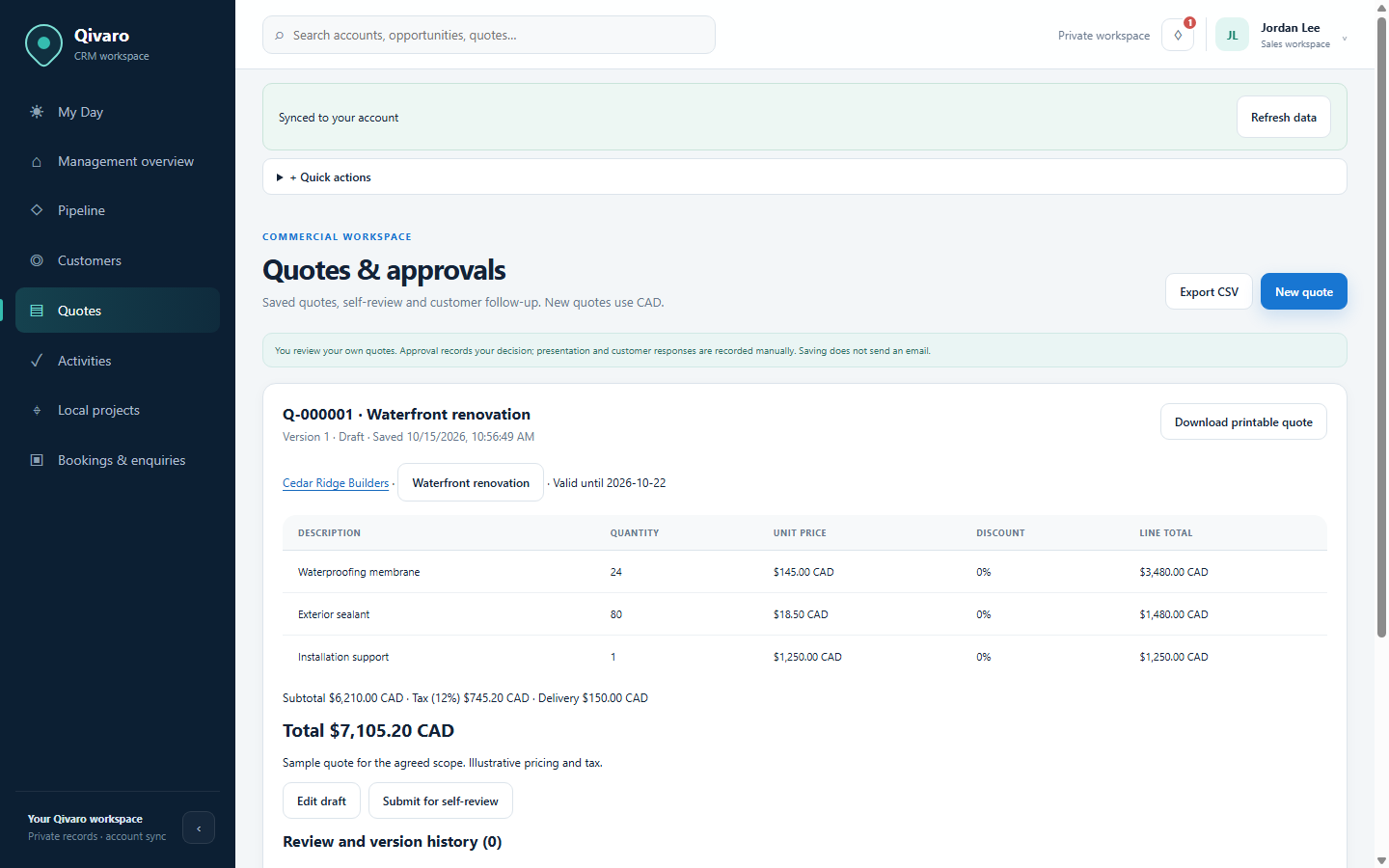
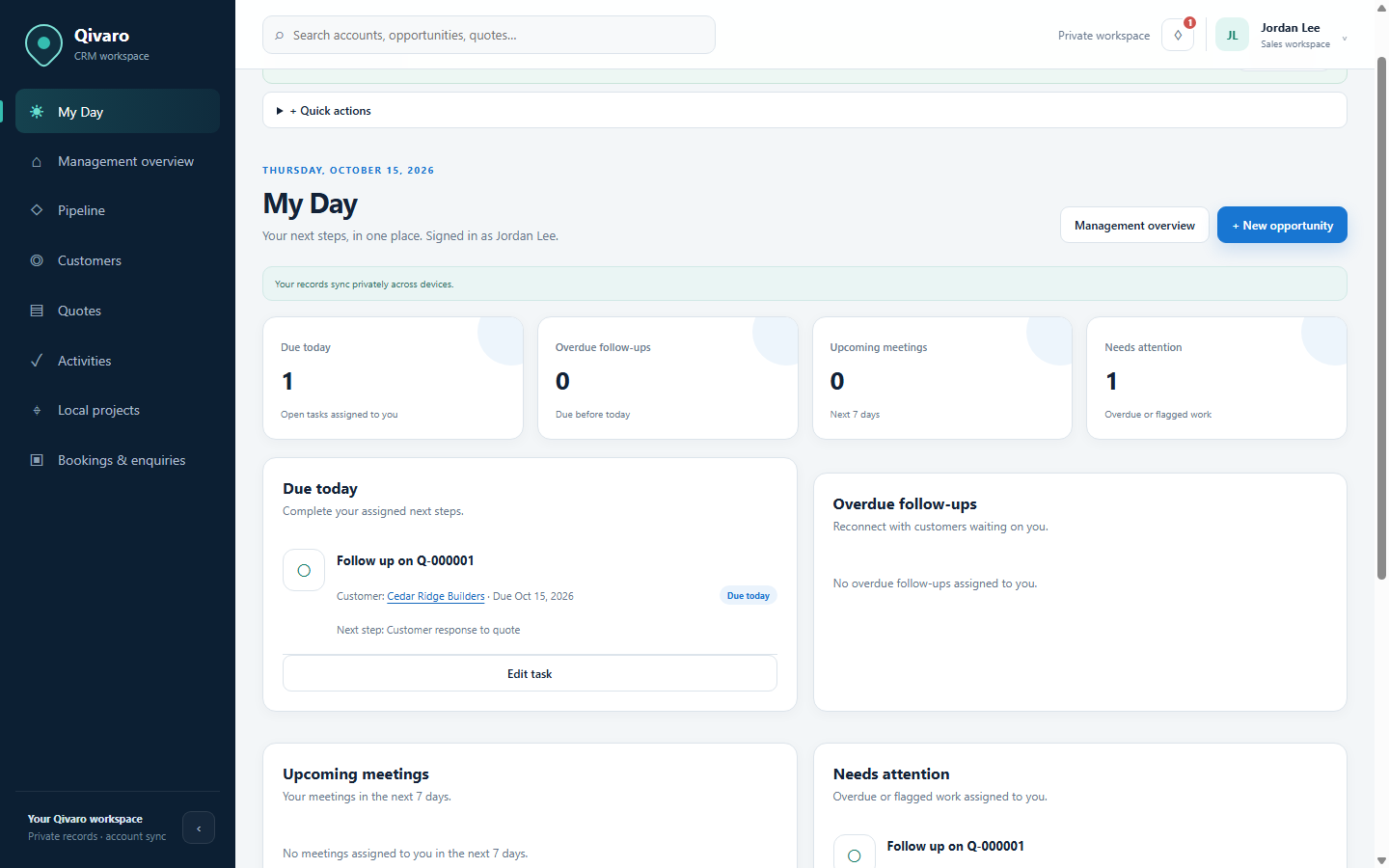
What the demonstration shows.
Review a customer, update the opportunity, prepare and review your quote, log its presentation and create a follow-up. Qivaro keeps these records private to the signed-in account. Quote presentation is recorded manually; it does not automatically email the customer.
Bring us your customer workflow.
Request a personal demoTell us what you need to record, quote or follow up.