Editable quote lines
Record the scope, quantity and price of each product or service.
Prepare the quote, record your review, and keep the next customer conversation attached. Qivaro connects quote work with the customer, the opportunity and a dated follow-up.
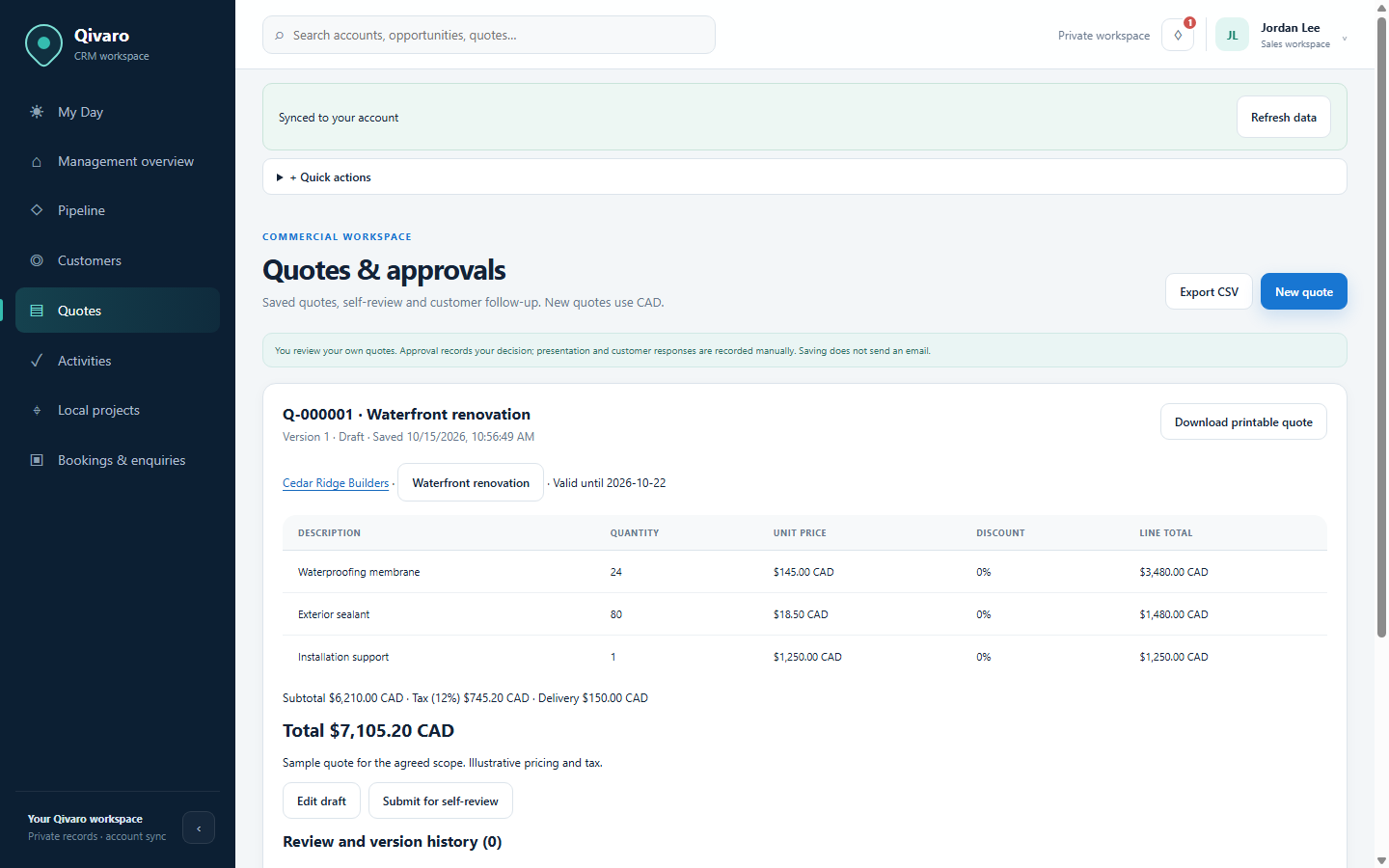
Add products or services, quantities, prices and discounts. New quotes default to Canadian dollars. Enter tax and delivery charges explicitly for the quote, then save a draft that you can return to.
Record the scope, quantity and price of each product or service.
Keep quote-specific charges visible instead of relying on an unstated assumption.
Download a printable HTML quote and use your browser’s Print or Save as PDF options.
Keep earlier quote versions and review history when a requirement changes.
Move your own quote from Draft into review, then record approval or rejection. Approval records your decision, not another user’s sign-off.
After you share the quote yourself, log its presentation in Qivaro and choose the follow-up date. Logging does not send the quote by email.
The presentation creates a linked personal follow-up. Open your due work, record the next step and complete the task when it is done.
Log acceptance or decline, or create a revised draft when the customer’s requirements change.
The customer timeline connects recorded quote activity with notes, opportunities and follow-ups. Keep the latest requirements alongside the next action, so a revised price is part of the same customer conversation.
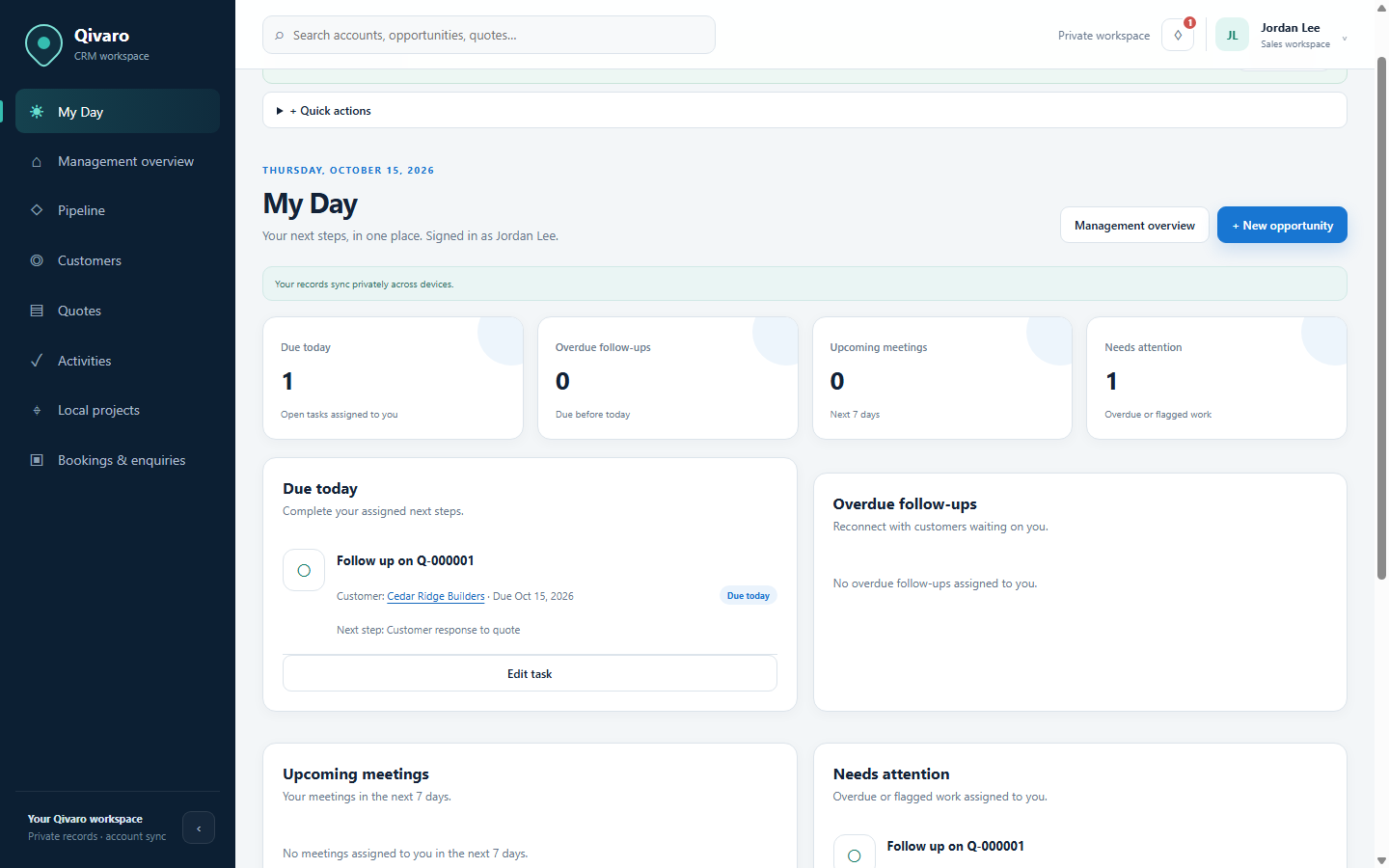
Quotes and related CRM records are private to each account. Quote review is performed by the same user; there is no delegated team approval workflow. Adjustments to existing fields, workflows, dashboards and branding can be discussed with the Qivaro Team.
No. Saving or logging quote presentation does not send an email. Share the quote yourself, then record its presentation and follow-up date.
New quotes default to CAD. Currency and quote charges are editable; enter the values appropriate to the quote.
Yes. Quote revisions retain snapshots and earlier version downloads.
Logging presentation requires a follow-up date and creates a linked personal task. You can then record the customer response and continue the workflow.
Access by invitation. Already invited? Open Qivaro.